
Advanced 3D modeling with Autodesk 3DS Max
Autodesk 3DS Max is a professional-grade software suite developed by Autodesk Inc., widely recognized for its precision in 3D modeling, animation, and rendering. Used across film, game development, and architectural industries, it provides an extensive toolset designed for intricate digital design. With its emphasis on flexibility and accuracy, Autodesk 3DS Max enables users to produce complex visual projects while maintaining control and creative freedom throughout the workflow.
Top Recommended Alternative

Designed for precision and control
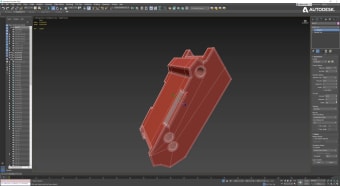
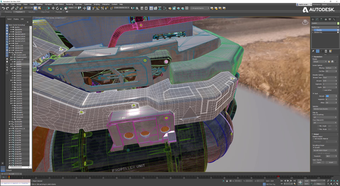
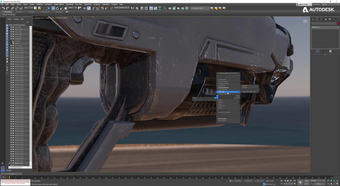
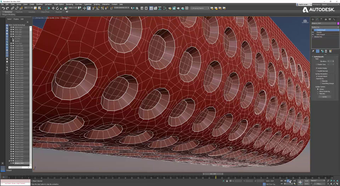
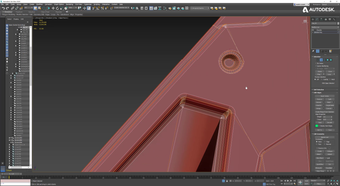
Autodesk 3DS Max delivers a robust set of modeling tools suitable for both new and experienced artists. It supports polygon and spline-based modeling, along with legacy NURBS features, allowing varied design approaches. The non-destructive modifier stack remains central to its workflow, letting users test and refine designs without altering original geometry. Customizable hotkeys, drag-and-drop functionality, and responsive viewport navigation make detailed scene management efficient even in complex projects.
Rendering power and texture management
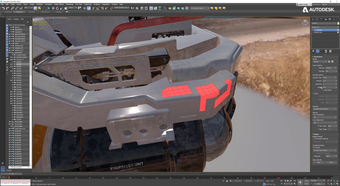
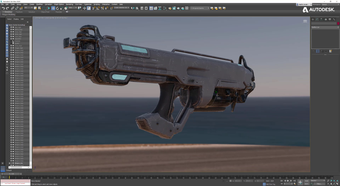
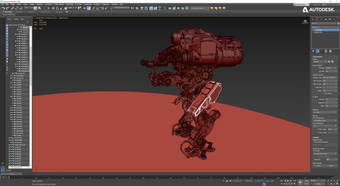
Autodesk 3DS Max integrates advanced rendering and UV tools to enhance visual quality. Its Pelt Map tool within the Unwrap UVW modifier simplifies organic texture mapping, reducing distortion for character and object models. Built-in Arnold rendering and PBR material support ensure high realism across projects. Though performance can become resource-intensive when handling dense models, features like proxy objects and scene optimization tools help maintain stability during intensive production work.
Final thoughts
Autodesk 3DS Max stands as an essential solution for professional 3D artists. Its unmatched modeling and rendering tools, combined with a customizable workspace, make it ideal for high-end creative environments. While the software’s learning curve and system demands may challenge newcomers, its depth, precision, and flexibility continue to define it as a benchmark in digital design and animation.


.png)
.png)
.png)
.png)
.png)
.png)
.png)








.png)